
Follow our premium guide to install the official Gurukul Android application and unlock your potential.
Download APK FilePlease follow these exact steps to ensure a smooth installation of our application since it is sourced directly from us.
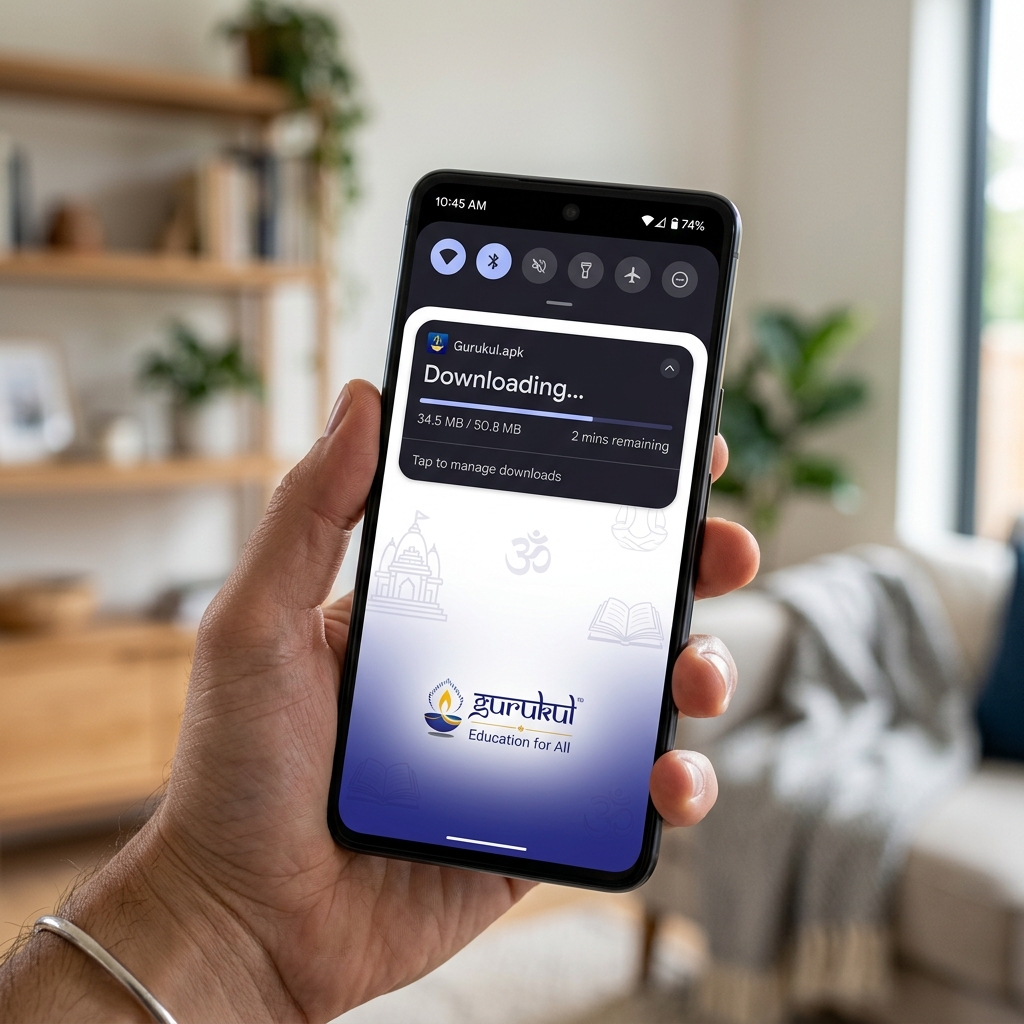
Click on the download button above to save the Gurukul.apk file directly to your smartphone's storage. Wait for the download to finish.
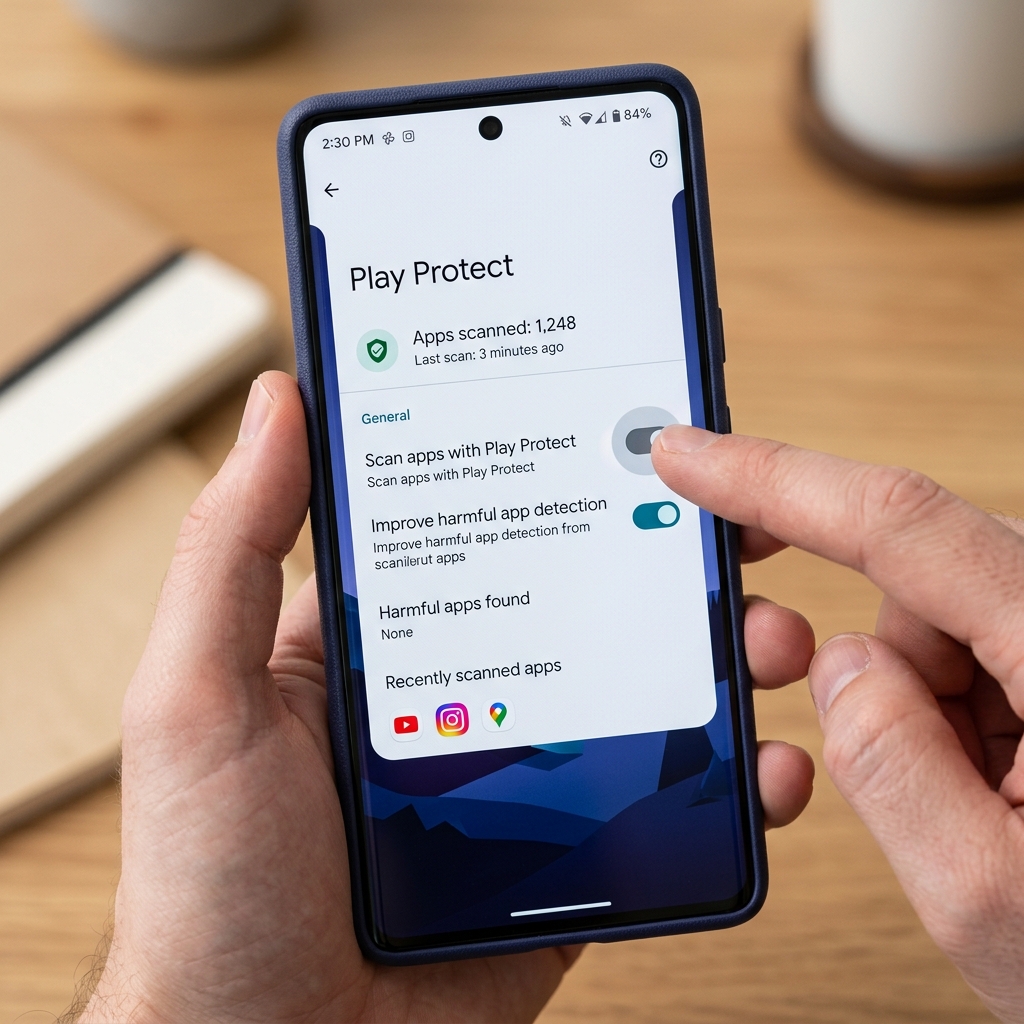
Since our application is downloaded directly and not through the Play Store, it might trigger a false warning. To avoid installation failure:
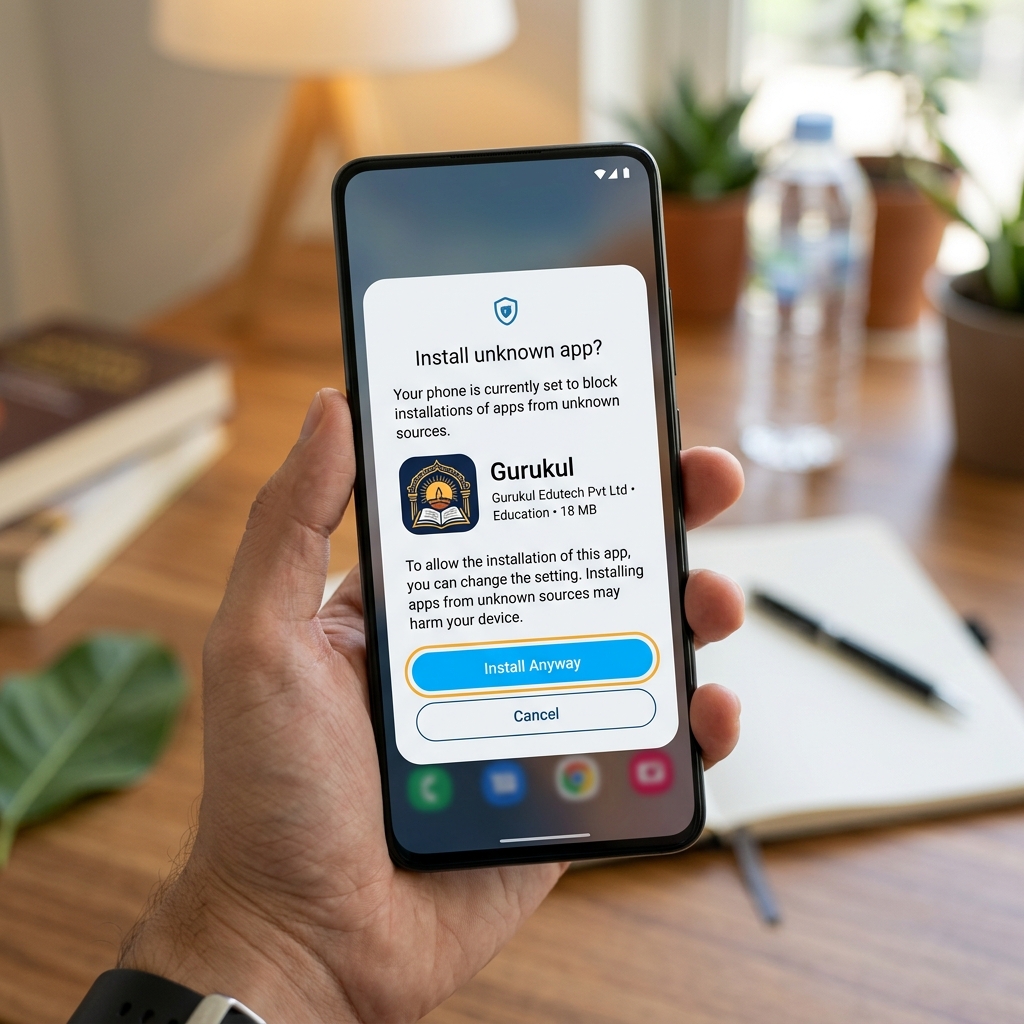
Go to your device's Settings > Apps > Chrome (or your browser/File Manager) and scroll down to select "Install unknown apps". Toggle "Allow from this source" to ON.
Tap the downloaded APK file. Tap Install, and if asked, tap "Install Anyway". Open the app, log in, and start your learning journey!
If you face any issues while installing the APK, our support team is available to assist you. Don't hesitate to reach out.
Contact Support